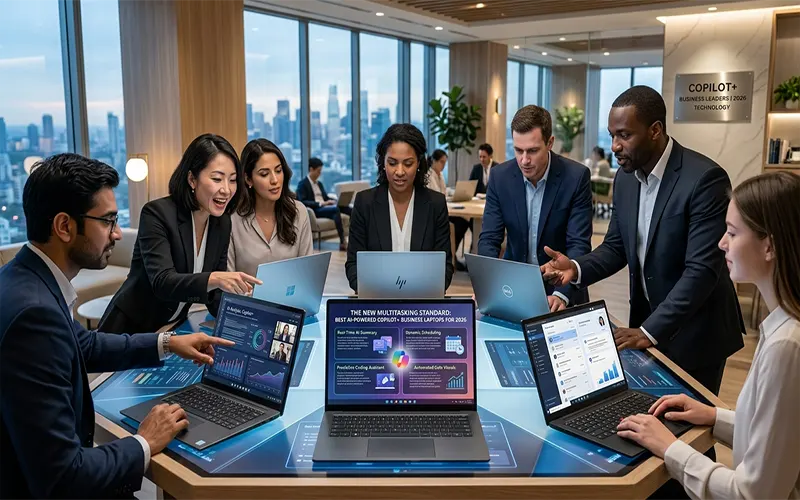
The era of the “standard” laptop is over. In 2026, the benchmark for business computing is defined by the Copilot+ PC category—a new generation of hardware designed specifically to handle the demands of on-device artificial intelligence. For the professional who manages dozens of browser tabs, complex data workflows, and AI-assisted communication simultaneously, this shift represents the most significant leap in multitasking efficiency in a decade.
The Mechanics of NPU Multitasking
Historically, whenever you added a new “intelligent” feature to your workflow—like real-time transcription, background noise suppression, or predictive text—the CPU and GPU bore the brunt of the load. This resulted in system sluggishness and rapid battery drain.
Copilot+ PCs solve this by incorporating a dedicated NPU (Neural Processing Unit). By offloading these demanding AI tasks to the NPU, the CPU and GPU are freed to focus on what they do best: handling high-performance application rendering, data crunching, and responsiveness. This “hardware-level compartmentalization” is the secret to true multitasking. You can now conduct a 4K video conference with AI-driven studio effects and live, real-time captioning while simultaneously training a local LLM or compiling code, all without a perceptible drop in system performance.
Critical Performance Factors for the 2026 Power User
Not all Copilot+ machines are created equal. When selecting a device for a high-intensity multitasking environment, focus on these three specifications:
- Memory & Bandwidth: The days of 8GB or 16GB being “sufficient” for power users are gone. To run modern local AI models—like specialized coding assistants or enterprise-level document summarizers—32GB of unified memory is the new baseline. This ensures that the NPU, CPU, and GPU can share high-speed data without hitting performance bottlenecks.
- Thermal Efficiency: AI tasks generate consistent heat. The best Copilot+ business laptops utilize advanced vapor-chamber cooling and efficient SoC (System on Chip) architectures to maintain peak performance during sustained workloads. If a laptop throttles its performance after ten minutes of heavy AI processing, it isn’t a true multitasking powerhouse.
- Workflow Continuity: A multitasking professional lives in their display. Look for devices that support high-refresh-rate panels (120Hz+) and robust external display configurations. A seamless transition between a docked multi-monitor setup and a mobile workstation is essential for maintaining the “flow state” required for high-level enterprise operations.
Top Copilot+ Contenders for 2026
While the market is maturing, three models currently set the standard for enterprise multitasking:
- The Ultimate Powerhouse: Microsoft Surface Laptop 7. This machine is the benchmark for the Copilot+ category. It utilizes a highly optimized ARM architecture that delivers exceptional battery life alongside immediate wake-from-sleep performance. For professionals who value consistent, “always-ready” computing, the Surface Laptop 7 is unmatched.
- The Enterprise Standard: Lenovo ThinkPad T14s Gen 6 (Snapdragon X Elite). The T14s continues the legacy of the ThinkPad line, combining military-grade durability with the raw power of the Snapdragon X Elite chip. It is the best choice for organizations that need a machine that can survive the rigors of travel while providing enough NPU performance to handle enterprise AI workflows.
- The Performance Specialist: Dell Latitude 7455. Dell’s 7000 series is designed with the IT manager in mind. It balances bleeding-edge NPU performance with superior security features—including Microsoft Pluton integration—making it the ideal candidate for businesses that demand high AI capability without sacrificing centralized manageability.
The ROI of AI-Powered Productivity
Transitioning to Copilot+ hardware is more than a simple equipment upgrade; it is a strategic productivity investment. By shifting AI processing from the cloud to the device, these laptops reduce latency, enhance privacy (as data never leaves the local machine), and ensure that your software tools are always available, even when you are offline. In 2026, the ROI of these devices is found in the hours saved through automated workflows and the reduction in “system lag” that plagues older hardware.
Multitasking Performance Matrix
| Model | AI Capability (TOPS) | Battery Endurance (AI Workload) | Baseline RAM |
| Surface Laptop 7 | 45+ | 18 Hours | 32GB |
| ThinkPad T14s Gen 6 | 45+ | 16 Hours | 32GB |
| Dell Latitude 7455 | 45+ | 15 Hours | 32GB |